A simple client portal built for renovation workflows
SiteUpdate is a simple client portal for renovation contractors and remodelers. Share project stages, progress photos, completed work, and next steps through one client update link — a lightweight alternative to heavier home renovation software when all you need is better client updates.
- No client account required
- Mobile-friendly client view
- Share updates through one link
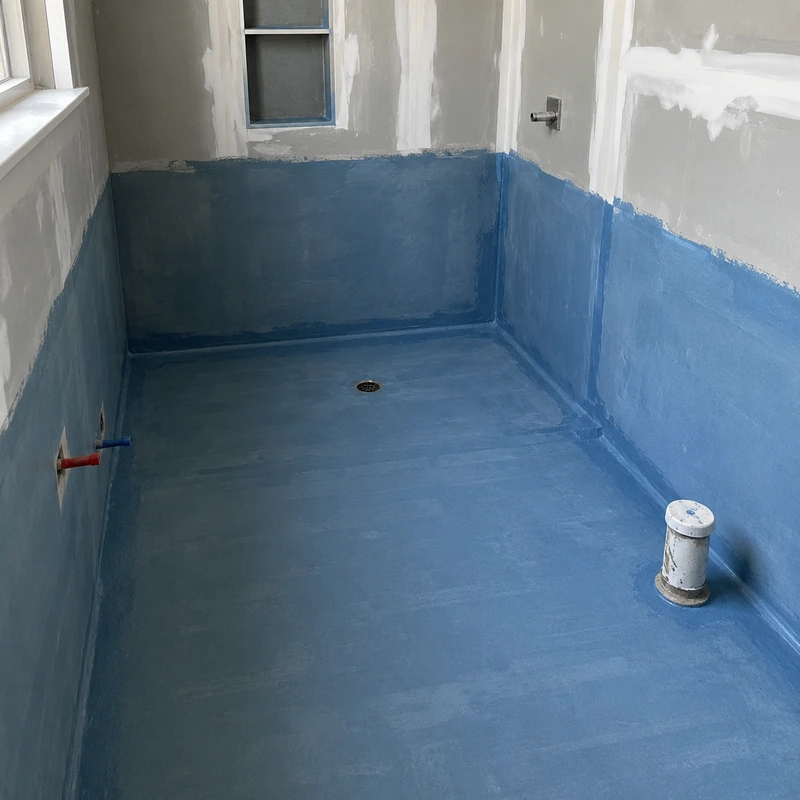
Membrane installed. Tile layout ready for review — see photo.
The real problem with remodeling client updates
On a typical remodel, progress information ends up spread across call logs, text threads, and photo dumps. Nothing is easy for the homeowner to find, and nothing is easy for you to maintain. See our guide on how to keep clients updated during a remodel for a practical breakdown of what to send and how often.
Photos scattered across threads
Progress pictures live in different chats, phones, and email replies. Nothing is grouped by project.
Repeated status calls
Clients call and message to ask what stage the job is in — often multiple times a week.
Unclear stages and next steps
Homeowners can't see what's done, what's in progress, and what's coming next.
The same explanation, again
You retype or repeat the same status to different clients across different channels.
No shared source of truth
There is no single place the client can check without pinging you.
Big platforms feel like overkill
Full construction-management software is expensive and heavy for a small remodeling team.
A simpler client-update workflow for renovation projects
SiteUpdate handles the client-communication side of renovation project management in three simple steps — replacing scattered updates with one shared view of the project.
Create the renovation project and stages
Add a project, then list the stages that match how you actually work — demo, rough-in, install, finish, inspection.
Add progress photos and update notes
From your phone on site, upload photos and post short updates as each stage moves forward.
Share one client link
Copy the link or send it through WhatsApp. Your client opens it in a browser — no account, no app.
On your side, you see the project dashboard with every stage, photo, and note. On the client side, they see a clean, view-only page they can return to anytime — see a construction client portal and update link in more detail.
Core features for remodeling contractors
Focused on the parts of client communication that actually take time on a remodel.
Project-stage checklist
Break each remodel into the stages you already use. Mark items in progress or complete so the client can see momentum without asking.
Progress photo updates
Upload photos straight from your phone. They stay grouped inside the project instead of buried in a chat.
Written client updates
Post short notes after a work day — what was done, what's next, and anything the client needs to decide on.
View-only client link
One link per project. The client sees stages, photos, and updates, but can't change anything.
Mobile access
Built for phones first. Update a project from the truck, the site, or between meetings.
WhatsApp & message sharing
Send the client link through WhatsApp, SMS, or email with a single share action.
What your client actually sees
The client experience is intentionally simple. No login, no learning curve — just the current state of their renovation.
- Opens your link in any browser
- No account, no signup, no app to install
- Sees the current project stages and what's complete
- Reviews the latest progress photos
- Reads your most recent written update
- Returns to the same link anytime for a fresh view
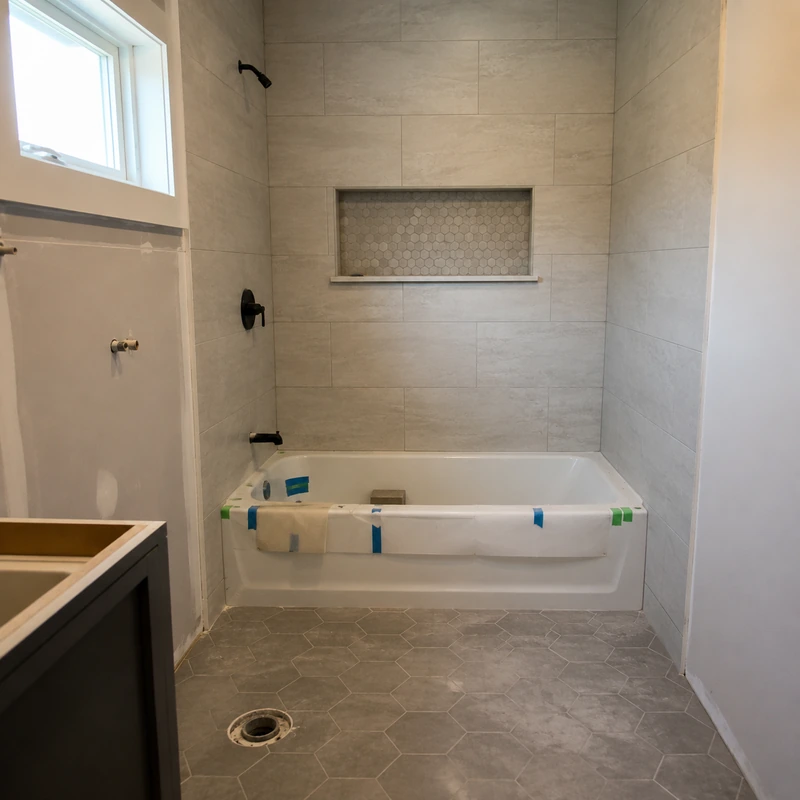
Tile arrives Thursday. Grout color options attached — text or call me with your pick.
Who SiteUpdate fits
Built for small remodeling businesses that want lighter tooling — not a replacement for estimating, accounting, scheduling, or field-management systems.
General remodeling contractors
Multi-stage residential renovations with several active jobs at once.
Bathroom remodelers
See dedicated notes for software for bathroom remodelers.
Kitchen remodelers
See dedicated notes for software for kitchen remodelers.
Independent renovation contractors
Solo operators who want a clean way to keep every client informed.
Small remodeling teams
2–10 person teams juggling several residential projects.
Contractors with several active jobs
Anyone maintaining multiple concurrent residential remodels.
Comparison by workflow
An honest look at how remodeling client updates typically get handled, and where SiteUpdate fits.
| Workflow area | Calls, WhatsApp & photo threads | Large construction platforms | SiteUpdate |
|---|---|---|---|
| Client access | Scattered chats and calls | Client portal, often requires account | One view-only link, no account |
| Setup complexity | None, but chaotic | Heavy — onboarding, config, training | Minutes to first project |
| Project progress visibility | Hidden in messages | High, but designed for teams | Clear stages the client can read at a glance |
| Progress photo organization | Spread across threads | Organized inside larger workflows | Grouped inside each project |
| Client account requirement | N/A | Often yes | No |
| Fit for simple project updates | Low | Overbuilt | Focused |
Comparison reflects general workflow categories, not specific products.
A bathroom remodel, from demo to final inspection
Here is one realistic example of how a small remodeling company could use SiteUpdate on a bathroom renovation. All names and details below are illustrative.
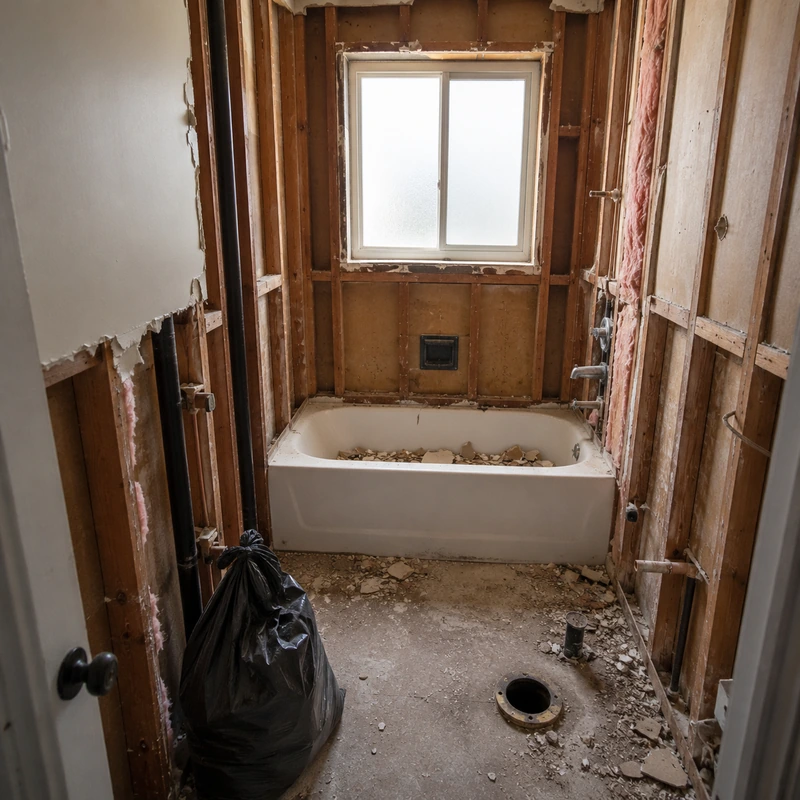
- DemolitionContractor marks the stage complete and posts three photos of the stripped room.
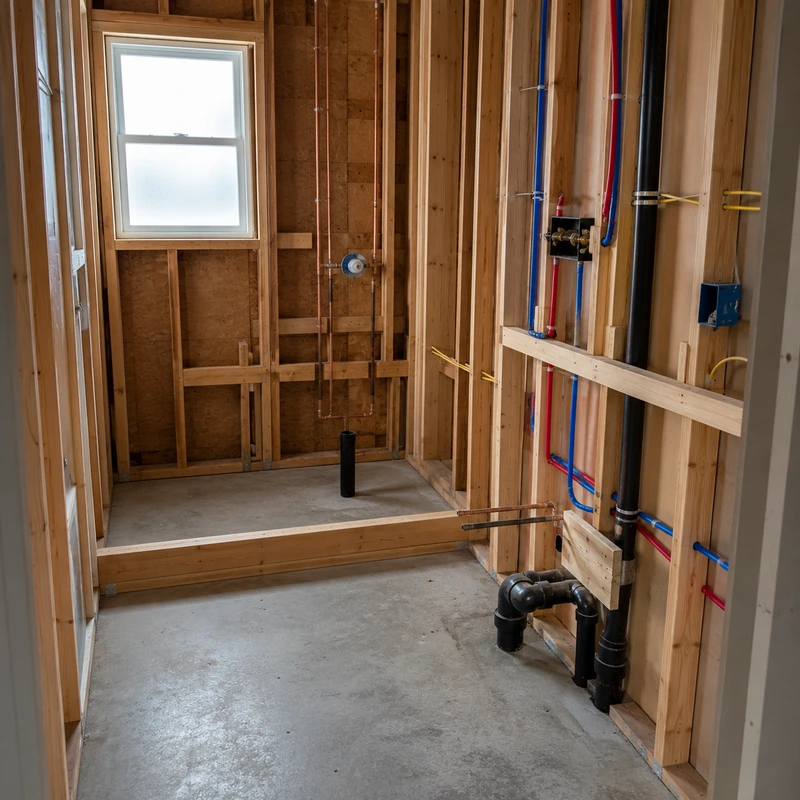
- Plumbing & electricalUpdate note: rough-in inspection passed; shower valve upgraded per client request.
- Waterproofing & tilePhotos of membrane and tile layout uploaded; grout color options shown in the update for the client to review, then confirmed by text or call and recorded in the next note.
- InstallationVanity, toilet, and lighting installed; short note lists what's still on order.
- FinishingTrim, paint touch-up, and hardware complete. Two photos show the finished space.
- Final inspectionInspection date noted so the client knows when the job wraps up.
The client sees this same list, the photos, and each note by opening the shared link — no calls needed to know what stage the job is in. See how a shared construction client portal fits into a typical remodel workflow.
One shared link. Less scattered communication.
Give every remodel a clear, view-only progress page your client can check anytime — and get your evenings back from status questions. You can view SiteUpdate pricing or start with one free project.