How to keep clients updated during a remodel without daily calls
The short answer: use one predictable update rhythm and one central place the homeowner can check, instead of answering status questions as they come in. Each update should tell the client what was completed, what is happening next, whether anything changed, whether they need to act on something, and show a few progress photos. There is no single schedule that works for every project — what matters is that the client always knows when the next update is coming and where to find it.
- What was completed
- What is happening next
- Whether anything changed
- Whether the homeowner needs to act
- What the current progress looks like (photos)
Why daily calls and scattered messages become a problem
Most remodels do not fail at communication because contractors say too little. They run into friction because the same information gets repeated across too many channels.
Repeated status questions
Clients ask “where are we?” between updates because there is no single place to check.
Information split across channels
Progress lives across texts, calls, email, and photo messages, with nothing tying it together.
Unclear which message is current
When updates arrive from several channels, it is hard for a homeowner to tell which one is the latest.
The same explanation, more than once
The contractor ends up giving the same status update to the same client, more than once, in different words.
Quiet periods look like inactivity
A week spent waiting on an inspection or a material delivery can read as nothing happening if no one explains why.
No record to look back on
Without a written trail, it is hard for either side to recall what was agreed or when a stage actually finished.
A simple client-update system
The specifics vary by project, but a workable system has the same six parts.
Choose a predictable cadence
Weekly, or right after each milestone completes — either works if the client knows what to expect.
Keep status in one place
One page or link the homeowner can return to, instead of a scattered message history.
Show progress visually
A few photos with each update make progress concrete, especially for work that gets covered up fast.
Explain what happens next
An update's job is to set expectations, not just report on what already happened.
Flag decisions and blockers clearly
Separate “needs your input” from routine information, so it does not get missed.
Save calls for what's urgent
Use direct messages or a call for time-sensitive issues, not routine status — see the section below.
What to include in a good remodel update
A reusable checklist you can run through for any project update, regardless of how you send it.
- Date
- Current stage / milestone
- Work completed since the last update
- Progress photos
- Next step
- Schedule change, if any
- Homeowner decision or action needed, if any
- Short contractor note
A sample remodeling client update
A realistic, illustrative example for a bathroom remodel in its third week. Names and details are fictional.
- Completed this week
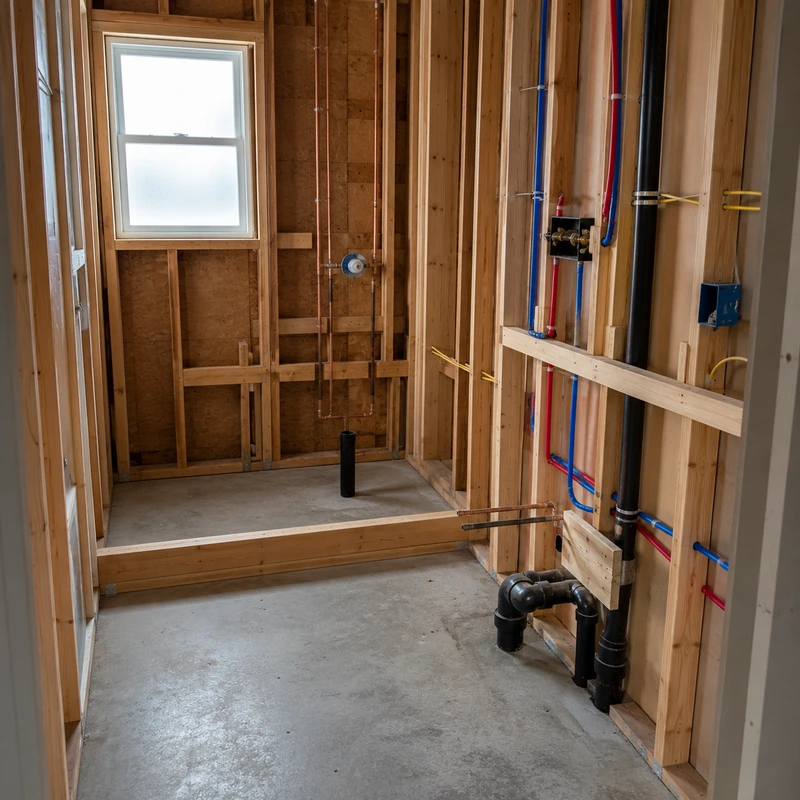
- Plumbing rough-in passed inspection. Cement board installed on all walls. Shower niche framed.
- Next step
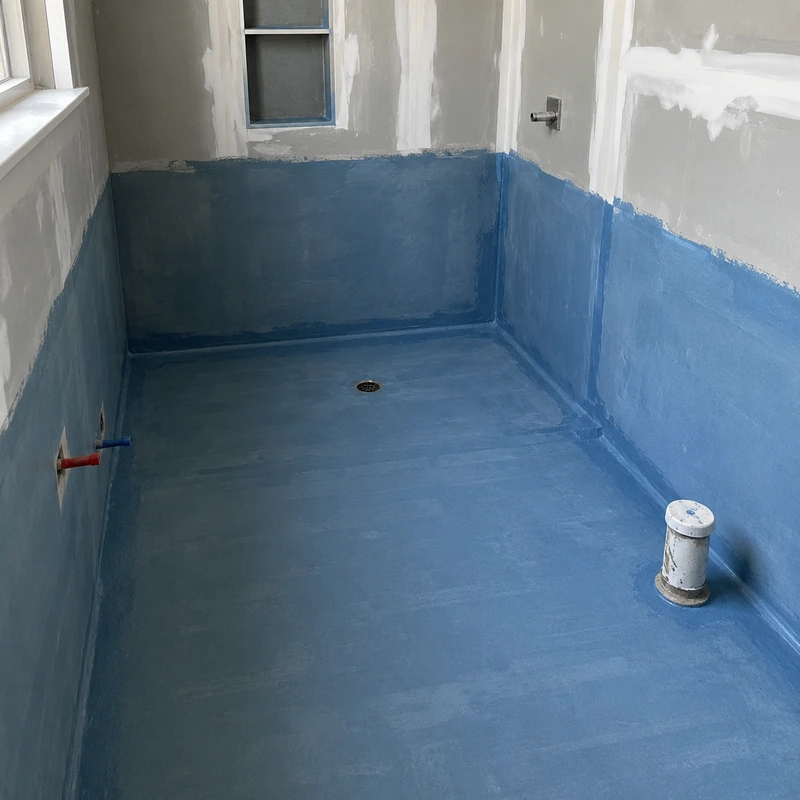
- Waterproofing membrane goes on Monday, followed by tile layout for your review.
- Schedule
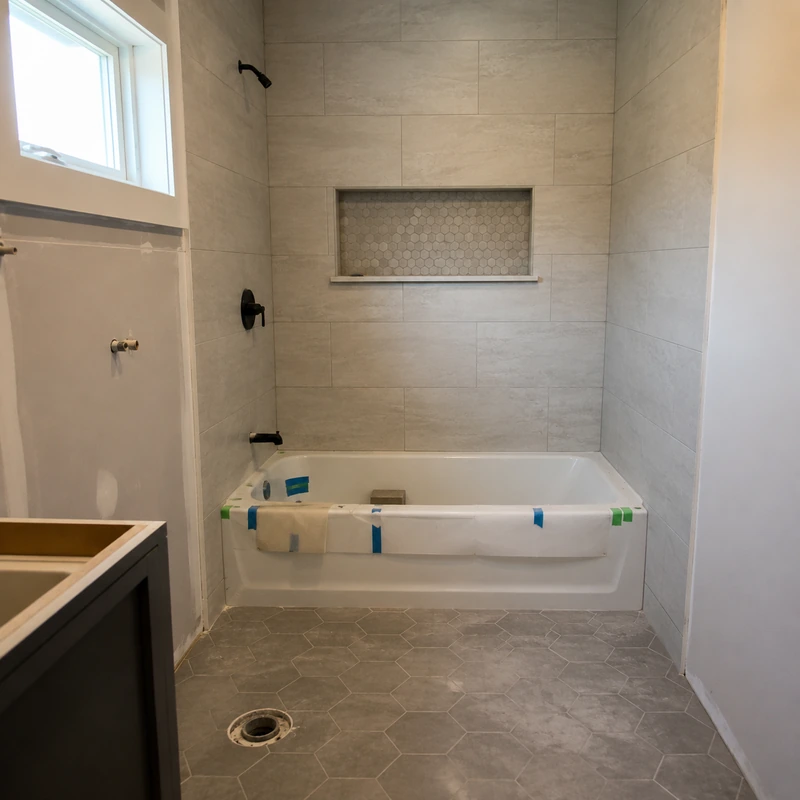
- No change — still on track for tile installation to start next week.
- Needs your input
- Please confirm your grout color choice (see attached photos) by Friday so tile can start on schedule.
- Note
- Good week, no surprises. The existing subfloor was in better shape than expected, which saved a day.
Weekly vs. milestone-based updates
Neither approach is universally better. The right one depends on how the project moves.
Swipe to compare →
| Aspect | Weekly updates | Milestone-based updates |
|---|---|---|
| Update trigger | A fixed day each week | Completion of a defined stage |
| Best fit | Longer jobs with steady daily activity | Projects with clear, distinct phases |
| Predictability | Very high — same day every week | Depends on how quickly stages move |
| Main risk | Can feel repetitive during quiet weeks | Gaps can feel long during multi-week stages |
| Works well for | Multi-month full remodels | Smaller or clearly staged renovations |
What should still be a phone call or direct message?
A status page or update link is for routine progress. It should not replace direct communication when something needs an immediate response.
How a view-only client portal fits
One way to run the system above without extra manual work is a view-only client portal: a single link the homeowner can revisit instead of a growing message history. SiteUpdate is one implementation of this workflow. The contractor tracks project stages and milestones, shares progress photos, and posts short project notes as work moves forward. The homeowner opens one view-only client link to see the current status — no account required.
This does not replace the calls covered above, and it is not a full construction-management platform. For a broader look at how it fits into a contractor's day-to-day workflow, see remodeling contractor software or home renovation software. Pricing is on the pricing page.
Plumbing rough-in passed inspection. Waterproofing starts Monday, followed by tile layout for your review.
Keep project updates in one client link
Track stages, share progress photos, and post short updates through one view-only link — no account required for the homeowner.