One client update link for every project
A client update link is one view-only web page for a single job. You keep working inside SiteUpdate, and your client opens that link to see current stages, progress photos, and your latest update note — with no account to create and no app to download. It is a simple construction client portal built for progress communication, not full construction management.
- No client account required
- View-only client access
- Mobile-friendly project updates
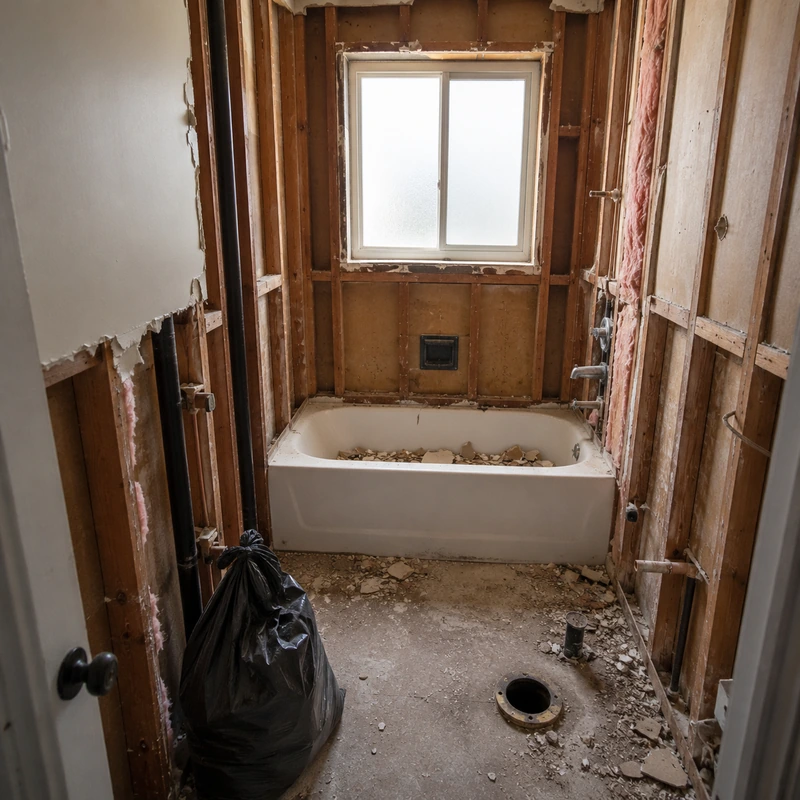
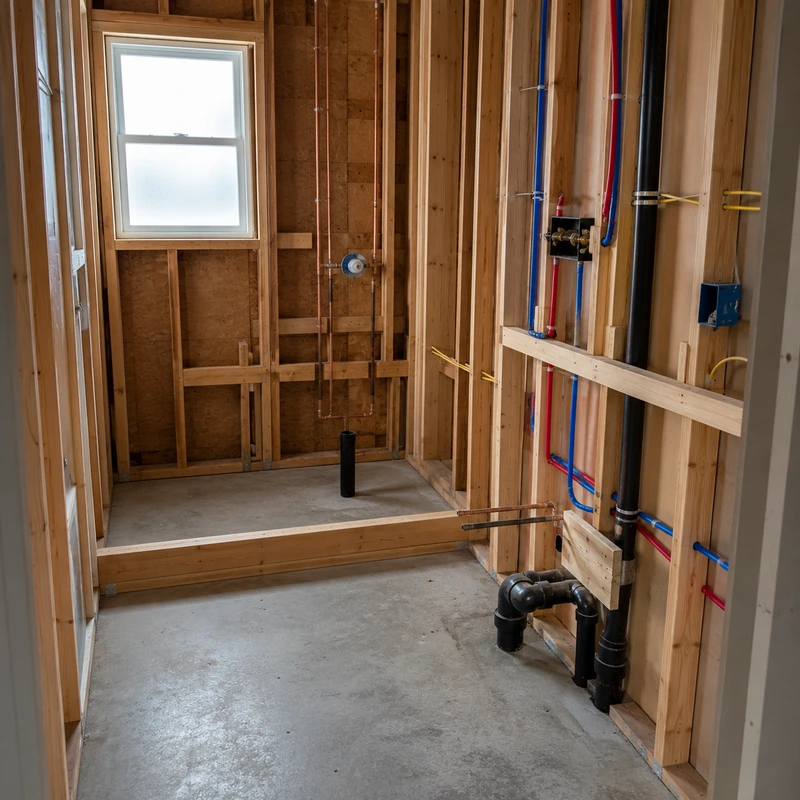
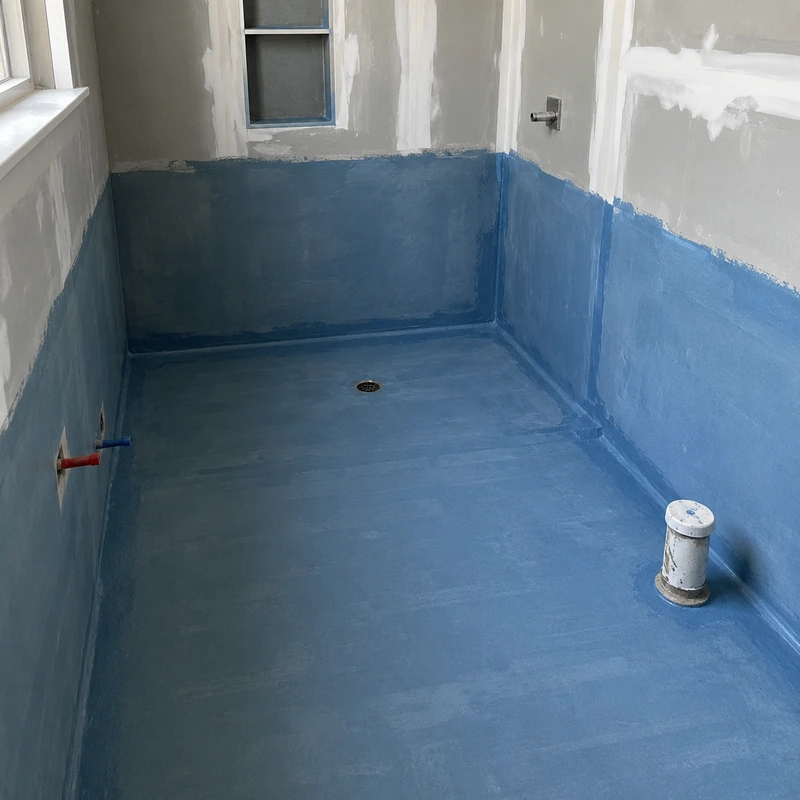
Plumbing rough-in is complete. Wall prep starts tomorrow, followed by tile installation.
What is a construction client portal?
A construction client portal is a client-facing place where a homeowner or customer can review project progress — the current stage, what has been completed, recent photos from the job site, and the latest written update from the contractor. Some construction customer portals bundle this with invoicing, contract signing, and full account management.
SiteUpdate takes a narrower approach on purpose. The contractor maintains the project inside SiteUpdate. The client receives a view-only link — no new username, no new password, no separate app. The same link stays valid throughout the project, so the client can return to it as work moves forward.
It is designed for project communication, not for running the entire business. If you need a broader tool, our remodeling contractor software page explains where SiteUpdate fits and where it does not. For a practical walkthrough of cadence and what to include in each update, see how to keep clients updated during a remodel.
Two sides of the same project
You work in the contractor view. Your client only sees the shared, view-only version.
Contractor view
- Create and manage the project
- Add and reorder project stages
- Upload progress photos from the job site
- Write short update notes for the client
- Decide when to copy and share the client link
Client view
- Opens one shared link — no account needed
- Sees current and completed project stages
- Reads the latest written update
- Reviews progress photos organized by project
- Returns to the same link anytime for a fresh view
The client view is intentionally read-only. Clients cannot change the contractor's project.
How the client update link works
Four steps from creating the project to keeping the client view current.
- 1
Create the project
Add a new project inside SiteUpdate and give it a name your client will recognize.
- 2
Add stages, photos, and notes
List the stages that match how you actually work, then upload progress photos and short update notes as the job moves.
- 3
Copy or share the client link
Share the link manually through WhatsApp, text message, email, or another channel you already use.
- 4
Keep the same view updated
As you make progress, keep updating stages, photos, and notes. The same client link keeps showing the current state.
What clients see in the portal
Every element in the client view maps directly to something you added inside SiteUpdate. Nothing extra, nothing hidden.
- Project nameThe project title you set, so the client knows exactly which job the link represents.
- Current statusA clear indicator of where the project stands right now.
- Stage checklistCompleted, in-progress, and upcoming stages, using the list you organized.
- Latest update noteYour most recent written update, shown near the top so it is hard to miss.
- Progress photosPhotos you uploaded to the project, presented in a mobile-friendly grid.
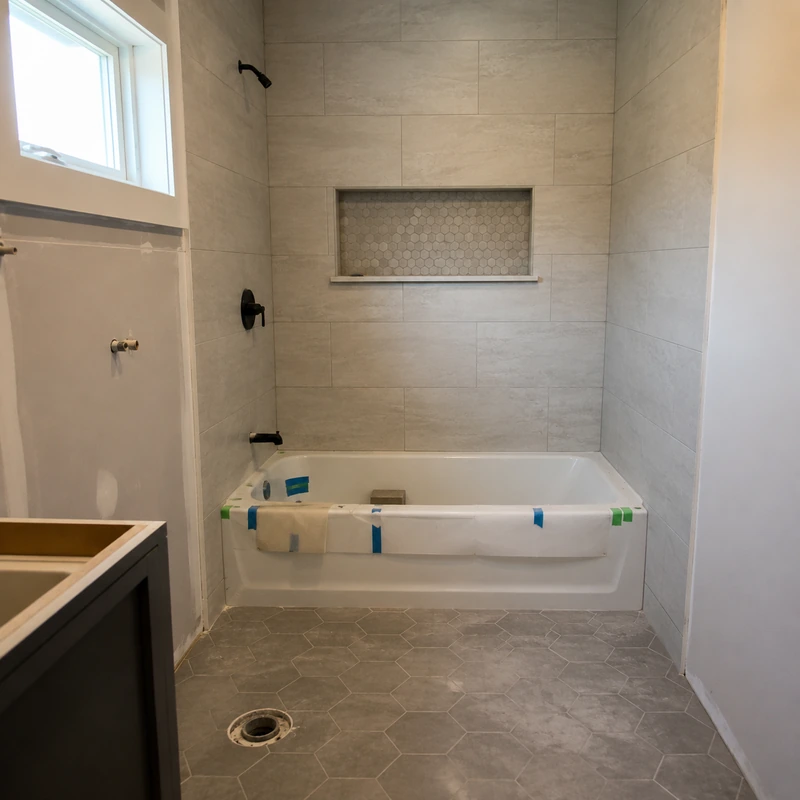
Plumbing rough-in is complete. Wall preparation starts tomorrow, followed by tile installation.
What clients cannot do
The shared view is intended for reviewing project information. Clients do not have access to the contractor side of SiteUpdate.
When to use a client portal
Practical moments where a shared client view is more useful than another round of texts and phone calls.
Message threads, account-based portals, and SiteUpdate
A rough workflow comparison. Traditional account-based portals vary — this is a category-level view, not a comparison to any specific product.
Swipe to compare →
| Workflow | Calls, texts, and photo threads | Traditional account-based portal | SiteUpdate view-only link |
|---|---|---|---|
| Client login required | No | Usually yes | No |
| Where project stages live | Nowhere central | Inside the account | One shared view |
| Progress photo organization | Scattered in threads | Usually inside the account | Grouped by project |
| Written project updates | Repeated by message | Inside the account | One place on the link |
| Opens easily on a phone | Yes | Varies | Yes |
| Return to the same view | Hard to find later | Yes, after login | Yes, same link |
| Contractor setup scope | None | Broader system to configure | One project at a time |
| Intended use | General communication | Full account management | Progress communication |
A practical example
Fictional walkthrough of what a client sees midway through a sample bathroom renovation. Not a real SiteUpdate customer.
- Demolition
- Plumbing and electrical
- Wall preparationCurrent
- Tile installation
- Fixtures and finishing
- Final walkthrough
Plumbing rough-in is complete. Wall preparation starts tomorrow, followed by tile installation.
Who this client portal fits
SiteUpdate is built for small residential and remodeling teams that want a lightweight client-facing view rather than a full construction platform. It works well for:
- Remodeling contractors running several residential jobs at once
- Independent renovation contractors working solo or with a small crew
- Small teams handling multi-day repair and improvement projects
- Small residential construction teams that need clearer client updates
Trade-specific notes are available for client updates for bathroom remodelers and client updates for kitchen remodelers. For a full product overview see remodeling contractor software.
Give clients one clear place to follow project progress
Project stages, progress photos, and written updates in one shared client view. No client account required. You can view SiteUpdate pricing or start with one free project.